Old family photos.
Saving them isn’t enough: they need their stories told.
A box of photos in the loft, an album with stuck-together pages, hundreds of pictures scattered across your phone. Twenty years from now, a photo with no name or date will be a photo of a stranger. Here’s how to digitise old photos, put them in order and, above all, tell their stories.

Photos get damaged, memories get lost
Printed photos fade, crease and get damp. Digital ones, on the other hand, don’t wear out but they do get lost: on an old phone, on a forgotten hard drive, in an account nobody opens any more.
And then there’s the most fragile part: knowing who the people in the photos are. Often only one person in the family knows. The right time to ask them is now.
Save, sort, tell
Save
Digitise your printed photos before they get damaged.
Sort
Give every photo a place and a name.
Tell
Write down who’s in it, where, when and what was happening.
How to digitise old photos
- With your phoneFree apps photograph your prints and correct glare and perspective. Work near a window, in natural light, without flash.
- With a scannerThe best quality, if you have time. For family photos, 600 dpi is more than enough.
- With a professional serviceIf there are hundreds of photos, or slides and negatives too, many photo shops offer digitisation.
Photograph the back too. A date or a name written in pencil is worth as much as the photo.
How to sort them without losing your mind
Choose one system and stick to it: by decade, by person or by place. The simplest is by decade: even when you don’t know the exact date, you usually know which period a photo belongs to.
Rename your files so they explain themselves: 1968_grandparents_wedding_Bath.jpg is better than IMG_4021.jpg.
The part that matters most
You don’t need to write a story for every photo. Choose the ten most important ones and start there.
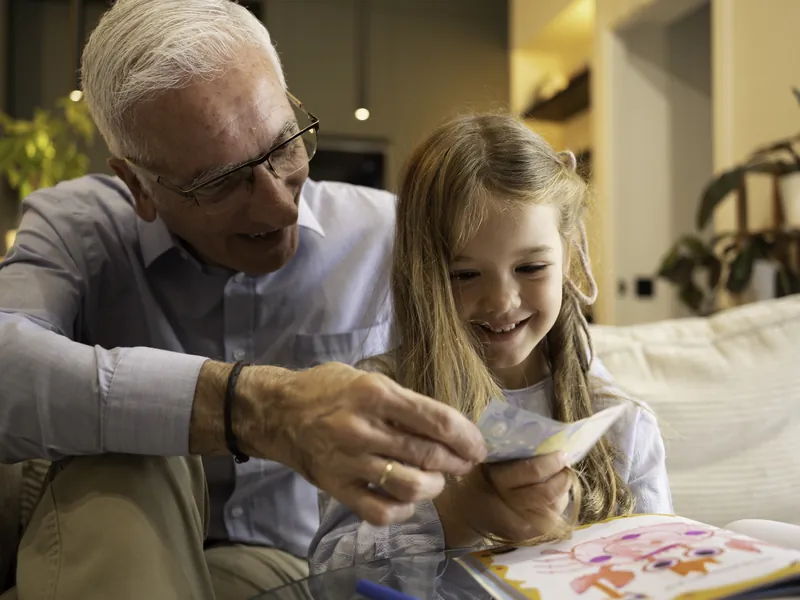
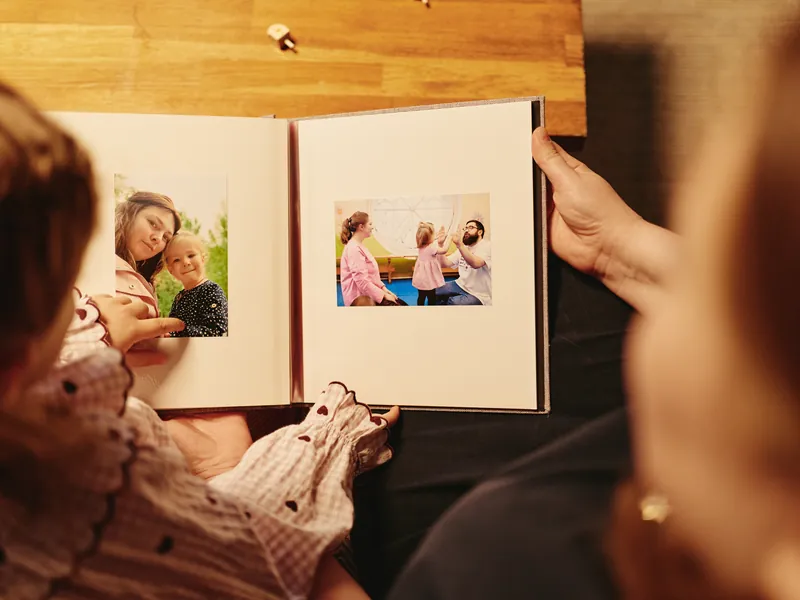
If you can, sit down with a parent or grandparent and record what they tell you as you look at the photos together: that’s when the details nobody ever wrote down come out.
Summer 1987, at the seaside
Dad and me, on my very first swim in the sea. I was eighteen months old, in a little blue hat Grandma had sewn from an old apron.
Dad used to say I didn’t want to come out of the water, and to persuade me he promised me a lemon ice cream. We ate it sitting on the low wall, at sunset.
A photo archive that tells stories
Your photos are kept safe on servers in Switzerland and you can download them at any time.
Add your photos
In an Instructions capsule, organised however you like.
Add captions and voice notes
Who’s in it, where, when. And the voice of someone who was there.
Share them whenever you like
Keep them to yourself or choose who will receive them and when: a birthday, an anniversary, a family get-together.
Old family photos: common questions
Any other questions? Write to us via Help.
Other words, for other moments

Every photo has a story.
Tell it before it’s lost.
Start with the ten photos you care about most.